

4.9
(150+ reviews)
Shopify Product Video
Play product videos right in your image gallery.
* Video player is a feature of the GG Product Page Image Slider app
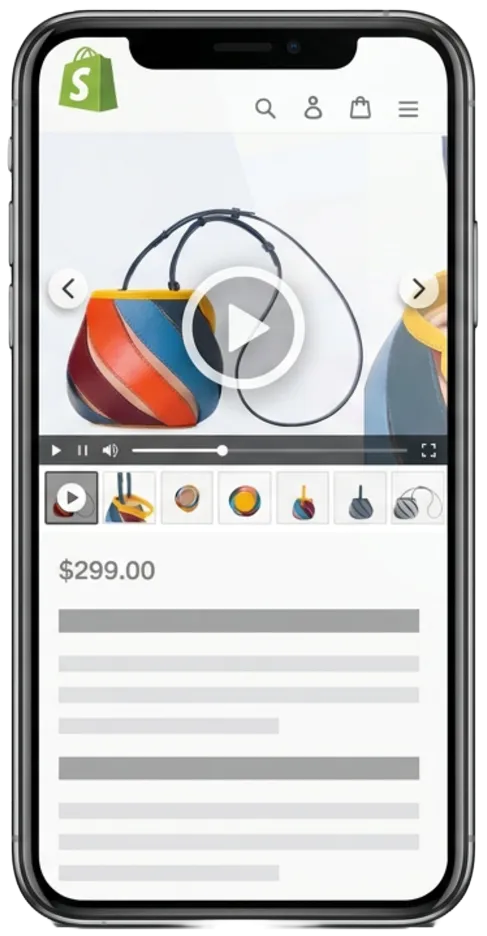
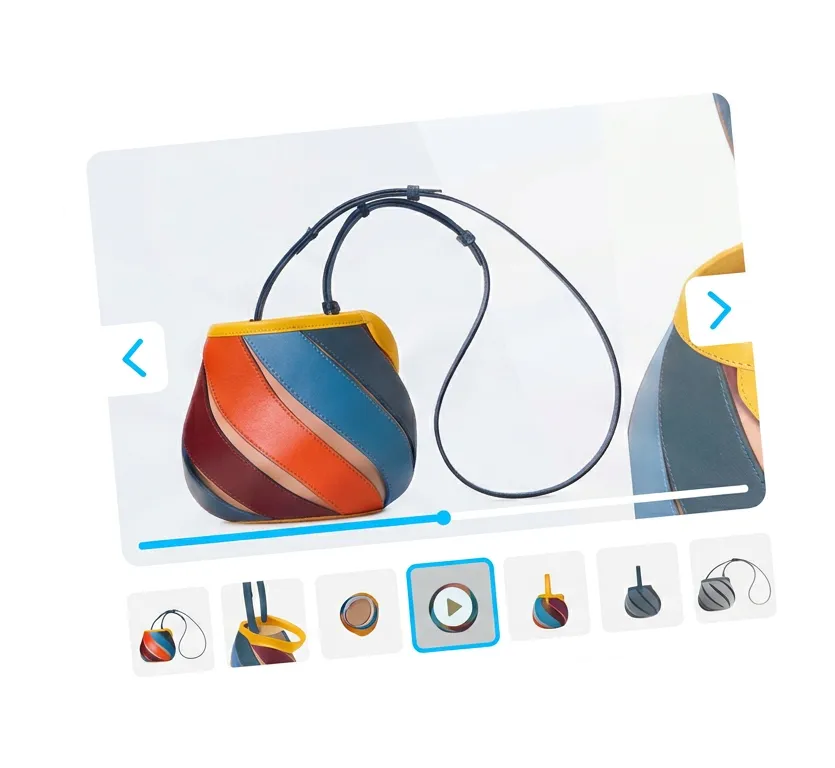
Video slides in your product gallery
Many Shopify themes put product videos below the image gallery or in a separate section. People often scroll past them or miss them completely. Your videos just end up sitting at the bottom of the page.
This app puts your product videos right next to your images in the same swipeable gallery. A true Shopify video carousel where customers look through your photos and see the videos naturally. No separate sections or extra clicks. If you already have videos attached to your products in the Shopify admin, they show up in the gallery automatically once you turn the feature on.
Autoplay on swipe
When someone swipes to a video slide, it starts playing automatically. Shopify autoplay video that just works - swipe away and it pauses. No play button to tap. It feels more like scrolling through a feed than using a media player.

Swipe away, come back, keep watching
Swipe to a video and it plays. Swipe past it and it pauses. Go back to that slide and the video picks up right where you left off. Customers can browse through your other product photos and return to the video without losing their place.
Make video your first slide
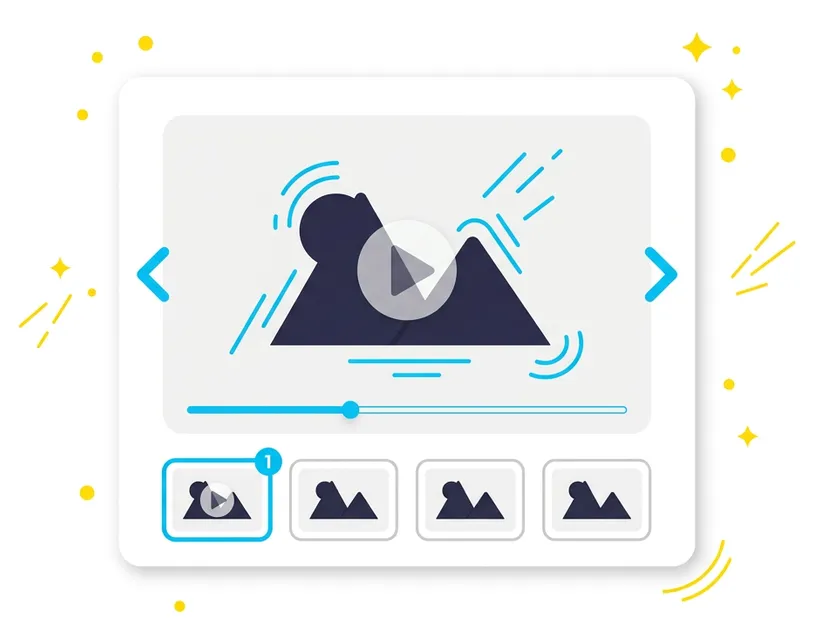
You can set a video as the first thing people see when they open a product page. They see movement right away instead of a static photo. This works well for things like clothing or tools where seeing it in action helps. Just put the video first in your Shopify product media settings and the gallery will do the rest.

Works with any video source
The app uses the video media you already have attached to your products in Shopify. It supports native Shopify video uploads, YouTube links, and Vimeo embeds. You don’t need to configure anything extra. Just upload a video or paste a link in your product settings and the built-in Shopify video player handles the rest, with play, pause, progress, and volume controls. Poster frames follow Shopify’s standard image dimensions — see our Shopify product image size guide for the recommended specs.
How to add video to your product gallery
It only takes a few minutes to get videos showing in your gallery. You don't have to touch any code or edit your theme files.
- Install the app: Add the GG Product Page Image Slider from the Shopify App Store. It uses the images and videos you already have.
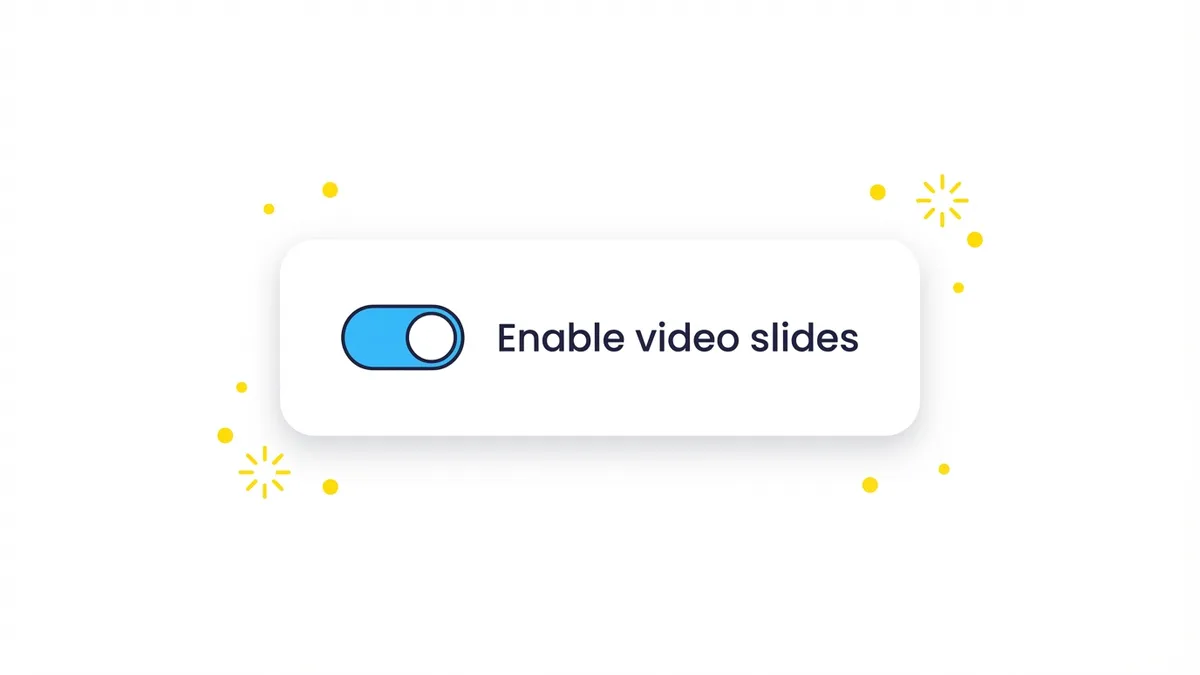
- Turn on video slides: Open the app settings and flip the switch for the video feature. Any videos attached to your products in Shopify will now show up in the gallery.
- Check your product page: Go to a product page that has a video attached. You will see the video as a slide in the gallery.
One switch in the settings
The video settings panel just has one switch. When you turn it on, every product with a video gets video slides in its gallery. You don’t have to set it up for each product individually.
What merchants are saying
Great app! Having lots of images for each product was starting to look really messy and having the slider and all the different options, such as video, has really tidied the product pages up on the site. The slider also works really well on a mobile which was the priority.
Great price, Amazing suport and very smooth and seamless setup. Really adds a feature that shopify has yet to integrate on their own. Really a must for selling any product. Videos sell! don't sleep on this app. Ive tried many others. cost more and full of bugs. This one rocks.
The app is super useful and has really tidied up my product page. That aside, the support is insanely quick... It actually stunned me how quickly Nikolay responded to me. When the slider was not displaying videos properly, he fixed the problem genuinely in under 5 minutes!
I have tryed many similar tools, but this one was exact the way I expected. It has swipe support for mobile, video is playable, thumbnal visual fit with 'Debut' thema. Support from development also really nice.
* All reviews are verified and visible on the Shopify App Store.
Frequently asked questions
- What video format works best for Shopify product pages?
- Shopify accepts MP4, MOV, and WebM files up to 1GB, and it also lets you add YouTube or Vimeo links directly to your product media. We recommend using native MP4 files for shorter videos. For longer ones, it's usually better to upload them to YouTube or Vimeo and use the link. The app handles all of these automatically.
- Can I put a video URL in the image alt text?
- No. Some older Shopify setups used a workaround where you pasted a video link into an image's alt text. Our app doesn't support that. You just need to add the video directly to your product media the normal way.
- Why is my product video not showing up on Shopify?
- If you are not using an app, your theme probably just does not support videos. If you are using our app, check a few things. First, make sure you are on the PRO plan, because video support requires it. Second, make sure the video is attached as product media in the Shopify admin — see how to add images and video for the exact steps. Putting a video in the product description is a different method and will not show up in the image gallery. Finally, check that the app embed is turned on and the video feature is enabled in the settings.
- Does autoplay work on mobile?
- Yes. When a customer swipes to a video slide on their phone, it starts playing. Mobile browsers require autoplay videos to be muted, so they start without sound and have a button to unmute. On iPhones, the videos play right there on the page instead of opening in fullscreen.
- Can I use videos I already uploaded to Shopify?
- Yes. The app uses the media you already have attached to your products. If you have videos uploaded in Shopify, they will show up in the gallery as soon as you turn the video feature on. You don't need to upload them again.
- Can I upload a custom video to a page without using Shopify?
- No, that is not possible. The app only displays videos that are already attached to your product in the Shopify admin.
- Do videos work with variant images and zoom?
- Yes. Videos integrate naturally with other gallery features. When a customer selects a variant, any variant-assigned video stays in the filtered gallery alongside the variant's images. Magnifier and lightbox zoom don't apply to video frames but remain active on neighboring image slides.