
Add Product Images and Video - Shopify Product Page Slider
The GG Product Page Slider automatically displays all images and videos attached to a product in your Shopify admin. You don’t need to configure anything in the app itself — just manage your media through Shopify’s built-in product editor. Any changes you make (reorder, add, remove) will be reflected in the slider on your live store.
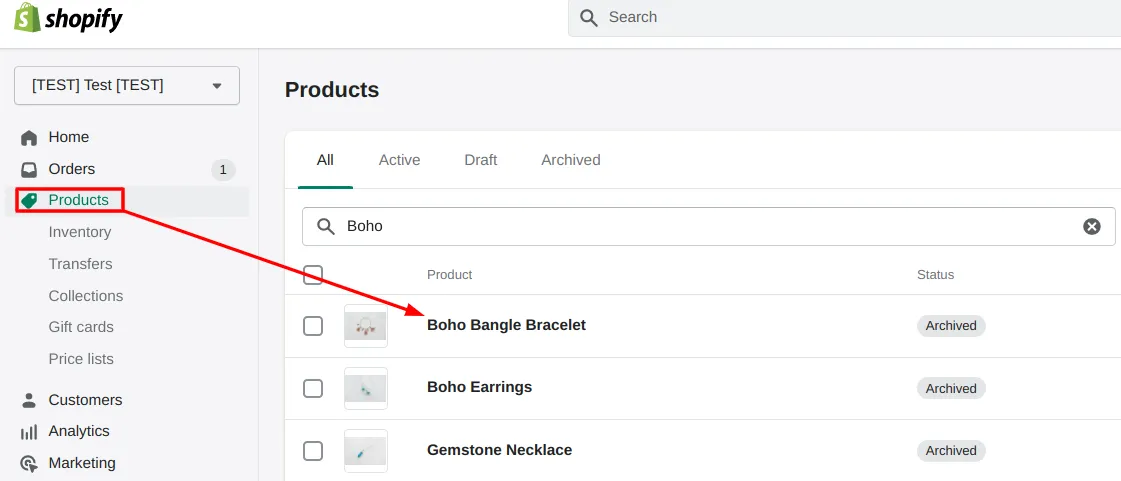
To add more media just find the Product in the Shopify Products page:
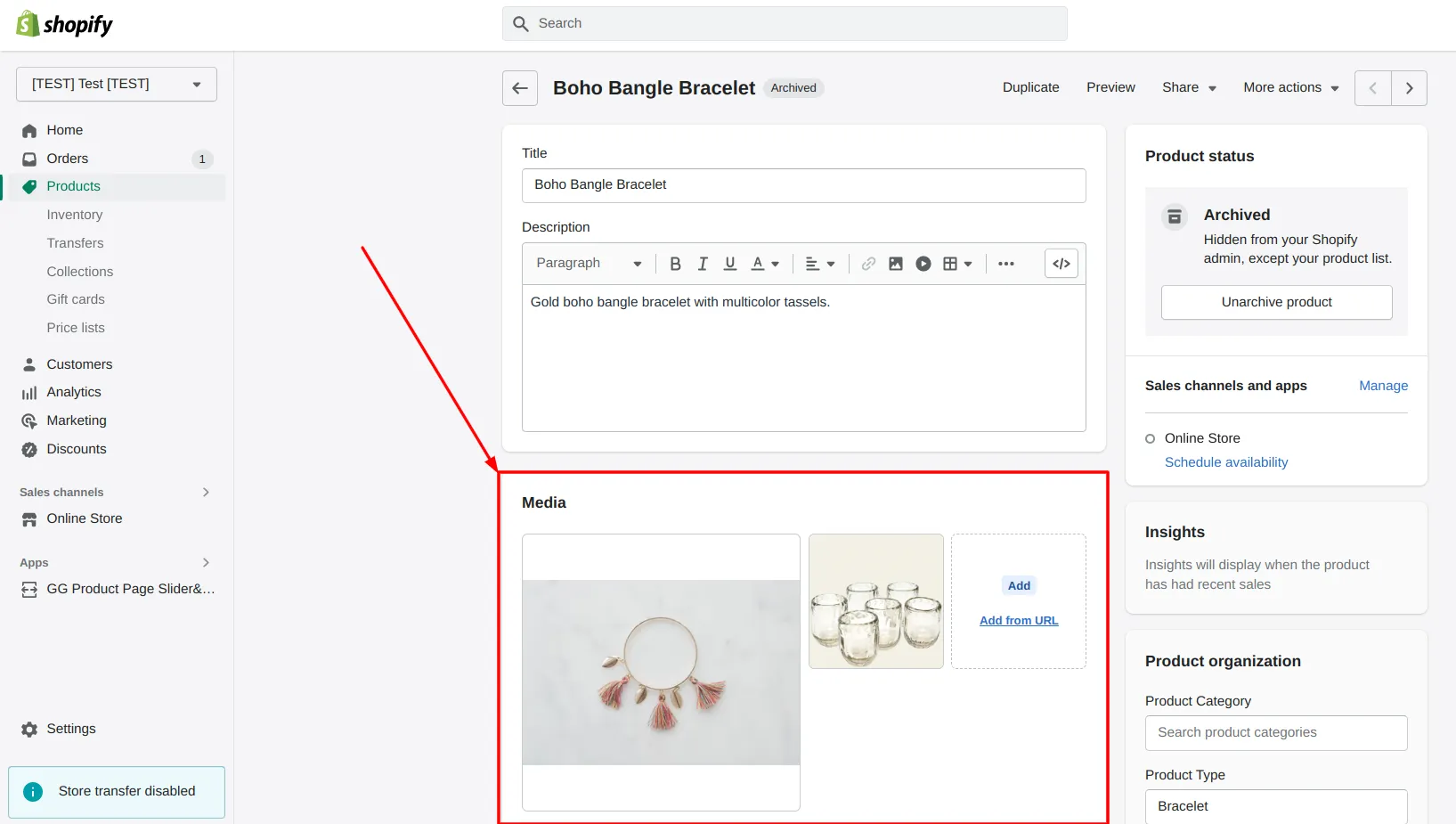
And add Images in the “Media” section:
If you have products with multiple variants and want to show only variant-specific images, see the Variant Images Guide.
For details on adding product videos as swipeable slides in your gallery, see the Shopify Product Video feature page.

Written by Nikolay Save
Updated